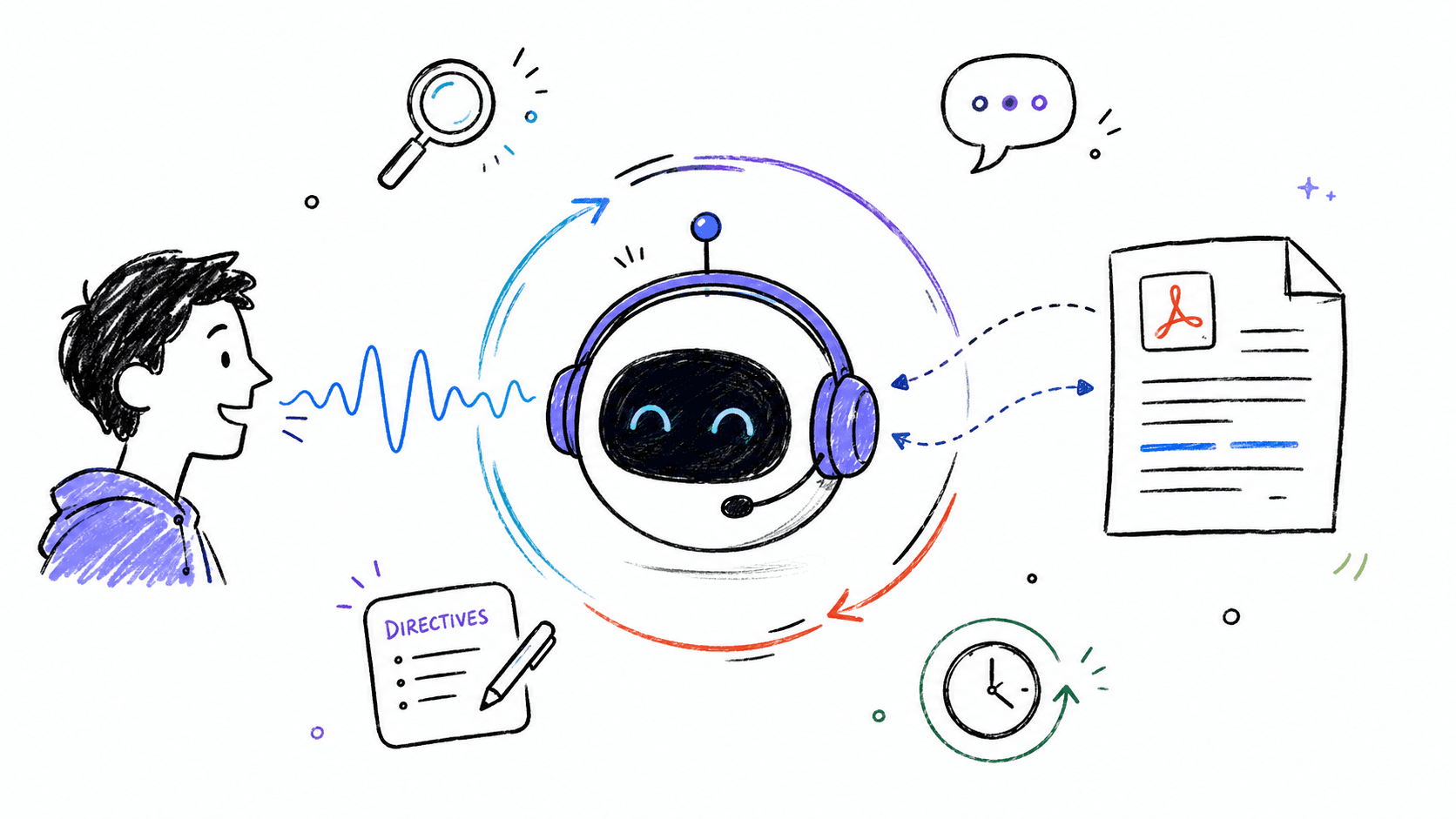
Multimodal Document-Based Voice AI Agent
A real-time, document-augmented Voice AI assistant workspace engineered with LiveKit Cloud WebRTC streaming and the Python Agents SDK. Features session-isolated dynamic RAG retrieval powered by Qdrant Vector DB, hot-swappable live prompt directives, SQLite conversation persistence, and dedicated transcript review screens.
Why I Built This
An advanced, document-augmented Voice AI assistant workspace built with LiveKit Cloud, LiveKit Python Agents SDK, Next.js, Qdrant Vector Database, and Better Auth.
This project goes beyond a simple voice bot—it is a complete, multi-session studio that lets users upload PDFs, converse with their documents in real time using retrieval-augmented generation (RAG), customize prompt directives on the fly, and review historical chat transcripts.
Architecture & System Flow
Key Features
- Dynamic RAG Integration (Qdrant): Vector indices are built dynamically per session (
session_<id>). When PDFs are uploaded, they are chunked, embedded, and indexed into Qdrant for real-time semantic querying during natural voice conversations. - Multi-Session Tracking & Database Persistence: Powered by SQLite (
chat_history.db). User workspaces, document mappings (max 4 files limit), and complete chat transcripts are tracked session-wise. - Historical Chat Pre-Population: Resuming a call session automatically loads and maps previous chat history directly into the conversation view.
- Directives Studio: Inject or remove prompt instructions (e.g., "Refer to me as Batman", "Speak concisely") in real time. The agent adapts its behavior dynamically on update events and vocalizes confirmations.
- Dedicated History Review Route: A custom
/session/[id]/historyscreen allowing users to read transcripts, view metadata (message count, loaded PDFs), copy transcripts, or download them as.txtfiles without launching a voice connection. - Premium Shadcn/UI Interface: Fully-featured chat window featuring User and Bot avatar bubbles, distinct message separation for actions (upload/directives), a collapsing sidebar, and a microphone selector that remembers user preferences.
Project Structure & Technology Stack
1voice-agent/2├── src/ # Python Agent (Backend Engine)3│ ├── agent.py # LiveKit agent runner, RAG querying, and event handlers4│ └── database.py # SQLite database schema & user/session operations5├── frontend/ # Next.js Application (User Interface)6│ ├── app/ # Page routes (/ for dashboard, /session/[id], /session/[id]/history)7│ ├── lib/ # Better Auth Server configs & DB connections8│ └── components/ # Shadcn UI layouts, transcription feeds, orb animations9├── docker-compose.yml # Qdrant Vector DB container setup10└── pyproject.toml # Python dependencies (managed via uv)
Core Technologies
- Voice Pipeline: LiveKit Python Agents SDK, WebRTC Audio Streaming
- Vector Database: Qdrant Vector DB (Self-hosted Docker / Local Disk fallback)
- Frontend Framework: Next.js (App Router), Tailwind CSS, Framer Motion
- Authentication: Better Auth with Google OAuth
- Database & Storage: SQLite (
chat_history.db),uvPython package manager
Evals & Testing Workflow
We use a test-driven development workflow to ensure agent reliability. Running pytest checks RAG matching, SQLite integrations, and voice assistant responses:
1uv run pytest