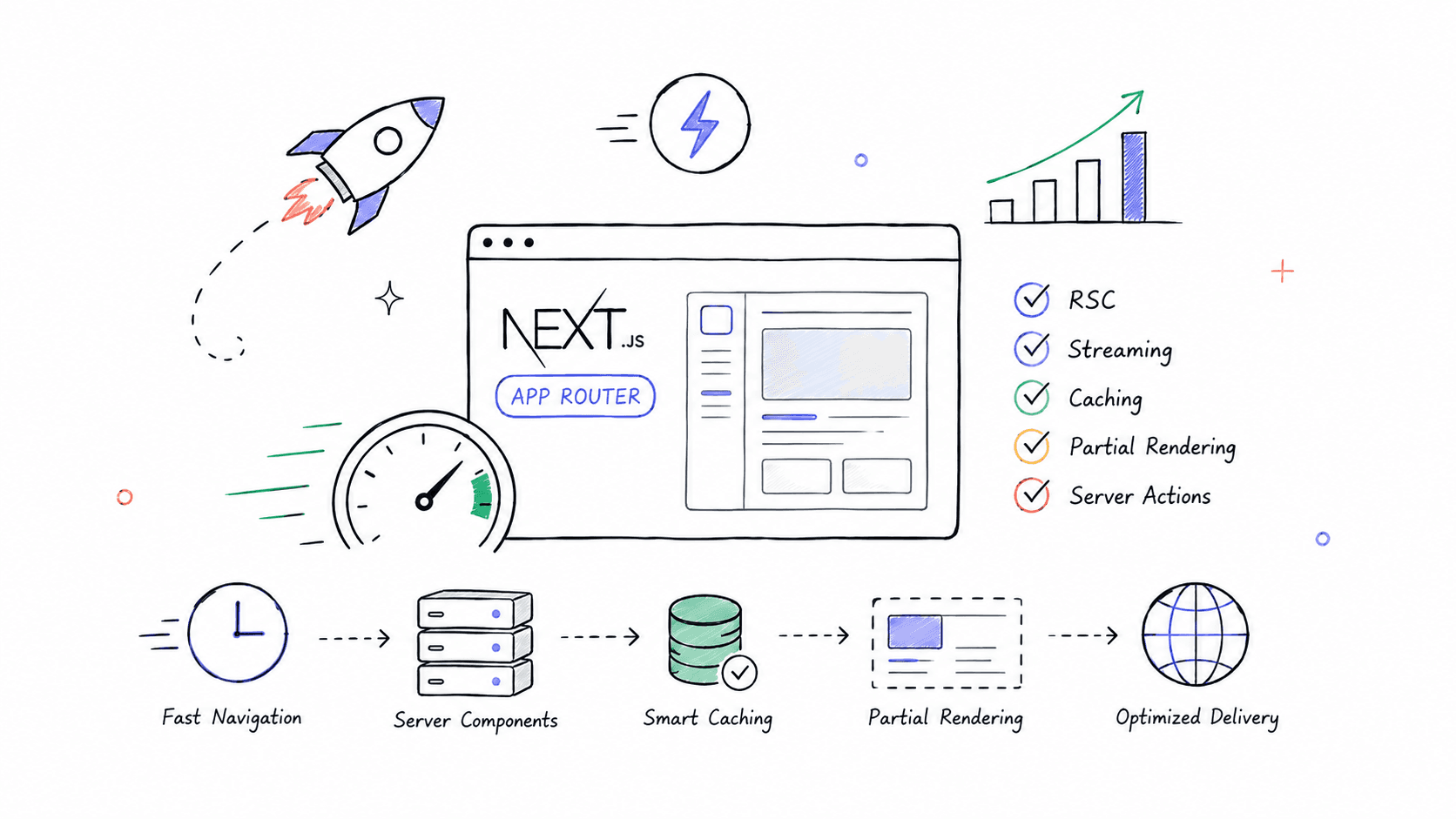
Modern web applications are expected to feel instant. Users notice delays at every layer: navigation latency, hydration cost, oversized bundles, blocking requests, layout shifts, and poor caching strategies.
With the App Router in Next.js, performance optimization becomes both more powerful and more complex. Features like React Server Components (RSC), streaming, nested layouts, route segment caching, partial rendering, and server actions fundamentally change how applications should be architected.
This guide covers performance optimization in Next.js App Router from foundational concepts to advanced production-grade techniques.
1. Understanding the App Router Rendering Model
The App Router changes performance optimization because rendering is no longer purely client-side or page-based.
The architecture includes:
- React Server Components
- Streaming HTML
- Nested layouts
- Selective hydration
- Server Actions
- Segment-level caching
The biggest performance win comes from understanding:
"Move as much work as possible to the server."
2. Server Components vs Client Components
This is the single most important optimization principle in App Router.
Server Component (Default)
1// app/products/page.tsx23async function getProducts() {4 const res = await fetch("https://api.example.com/products");5 return res.json();6}78export default async function ProductsPage() {9 const products = await getProducts();1011 return (12 <div>13 {products.map((p: any) => (14 <div key={p.id}>{p.name}</div>15 ))}16 </div>17 );18}
Benefits:
- Zero JS shipped to browser
- Smaller bundle
- Faster hydration
- Better SEO
- Better TTFB
Client Component
1"use client";23import {useState} from "react";45export default function Counter() {6 const [count, setCount] = useState(0);78 return <button onClick={() => setCount(count + 1)}>{count}</button>;9}
Client Components:
- Increase JS bundle size
- Require hydration
- Increase CPU usage
Use them only when needed.
Golden Rule
Keep components server-side unless you specifically need:
- useState
- useEffect
- Browser APIs
- Event handlers
- Interactive UI
3. Route-Level Performance Architecture
A poorly structured route tree destroys performance.
Bad:
1app/2 ├── dashboard/3 ├── page.tsx
Everything loads together.
Better:
1app/2 ├── dashboard/3 ├── layout.tsx4 ├── analytics/5 ├── billing/6 ├── settings/
Benefits:
- Independent streaming
- Segment caching
- Parallel rendering
- Smaller rendering units
4. Data Fetching Optimization
App Router introduces server-first fetching.
Basic Fetch
1async function getUser() {2 const res = await fetch("https://api.com/user");34 if (!res.ok) {5 throw new Error("Failed");6 }78 return res.json();9}
Automatic Request Deduplication
Next.js automatically deduplicates identical requests.
1await fetch("/api/user");2await fetch("/api/user");
Only one actual network request occurs.
Parallel Fetching
Bad:
1const user = await getUser();2const posts = await getPosts();3const analytics = await getAnalytics();
Sequential waterfall.
Better:
1const [user, posts, analytics] = await Promise.all([2 getUser(),3 getPosts(),4 getAnalytics(),5]);
Huge latency reduction.
5. Streaming and Suspense
Streaming lets HTML progressively render instead of waiting for everything.
Loading UI
1// app/dashboard/loading.tsx23export default function Loading() {4 return <div>Loading dashboard...</div>;5}
The route shell appears instantly.
Suspense Boundaries
1import {Suspense} from "react";23export default function Page() {4 return (5 <div>6 <Header />78 <Suspense fallback={<FeedSkeleton />}>9 <Feed />10 </Suspense>11 </div>12 );13}
Benefits:
- Faster perceived performance
- Reduced blocking
- Incremental rendering
Advanced Streaming Pattern
1<Suspense fallback={<SidebarSkeleton />}>2 <Sidebar />3</Suspense>45<Suspense fallback={<MainContentSkeleton />}>6 <MainContent />7</Suspense>
Independent rendering streams.
6. Caching Deep Dive
Caching is where App Router becomes extremely powerful.
Default Fetch Cache
1fetch(url);
By default:
- Static routes → cached
- Dynamic routes → uncached
Force Static Cache
1fetch(url, {2 cache: "force-cache",3});
Excellent for:
- CMS content
- Blogs
- Docs
- Marketing pages
Disable Cache
1fetch(url, {2 cache: "no-store",3});
For:
- Real-time dashboards
- Authenticated data
- Frequently changing content
Revalidation
1fetch(url, {2 next: {3 revalidate: 60,4 },5});
ISR-style regeneration every 60 seconds.
Tag-Based Revalidation
Fetch
1fetch(url, {2 next: {3 tags: ["products"],4 },5});
Invalidate
1import {revalidateTag} from "next/cache";23revalidateTag("products");
Extremely useful for CMS systems.
7. Reducing JavaScript Bundle Size
One of the biggest App Router advantages is shipping less JS.
Use Server Components Aggressively
Bad:
1"use client";23export default function EntirePage() {4 return (5 <>6 <Header />7 <Products />8 <Footer />9 </>10 );11}
Everything becomes client-side.
Better:
1import InteractiveButton from "./InteractiveButton";23export default function Page() {4 return (5 <>6 <Header />7 <Products />8 <InteractiveButton />9 </>10 );11}
Only the button hydrates.
Dynamic Imports
1import dynamic from "next/dynamic";23const HeavyChart = dynamic(() => import("./HeavyChart"), {4 ssr: false,5});
Useful for:
- Charts
- Editors
- Maps
- Heavy visualizations
Analyze Bundles
Install:
1npm install @next/bundle-analyzer
Config:
1const withBundleAnalyzer = require("@next/bundle-analyzer")({2 enabled: process.env.ANALYZE === "true",3});45module.exports = withBundleAnalyzer({});
Run:
1ANALYZE=true npm run build
8. Image Optimization
Use the built-in Image component.
Bad:
1<img src="/hero.jpg" />
Better:
1import Image from "next/image";23<Image src="/hero.jpg" alt="Hero" width={1200} height={800} priority />;
Benefits:
- Responsive sizing
- Lazy loading
- Modern formats
- Optimization pipeline
Blur Placeholder
1<Image2 src="/photo.jpg"3 alt="Photo"4 placeholder="blur"5 blurDataURL="data:image/jpeg;base64,..."6/>
Improves perceived loading speed.
9. Fonts and Asset Performance
Use built-in font optimization.
1import {Inter} from "next/font/google";23const inter = Inter({4 subsets: ["latin"],5});
Benefits:
- No layout shift
- Self-hosted fonts
- Smaller payloads
Preload Critical Assets
1<link rel="preload" href="/hero-video.mp4" as="video" />
Only preload critical resources.
10. Navigation Performance
App Router supports intelligent prefetching.
1import Link from "next/link";23<Link href="/dashboard">Dashboard</Link>;
Automatic prefetch occurs in viewport.
Manual Prefetch
1router.prefetch("/dashboard");
Useful for:
- Anticipated navigation
- Hover interactions
- Multi-step flows
11. Partial Prerendering (PPR)
One of the newest App Router optimizations.
PPR combines:
- Static shell
- Dynamic streamed sections
Example:
1export const experimental_ppr = true;
Benefits:
- Fast initial paint
- Dynamic personalization
- Reduced server cost
12. Server Actions Optimization
Server Actions eliminate client API overhead.
Basic Action
1"use server";23export async function createPost(data: FormData) {4 // DB insert5}
Optimized Form
1<form action={createPost}>2 <input name="title" />3 <button type="submit">Save</button>4</form>
Benefits:
- No client fetch
- Reduced JS
- Less serialization
- Better progressive enhancement
13. Edge Runtime vs Node Runtime
Edge Runtime
1export const runtime = "edge";
Benefits:
- Lower latency
- Geographic proximity
- Faster TTFB
Good for:
- Middleware
- Auth
- Personalization
- Lightweight APIs
Node Runtime
Better for:
- Heavy computation
- Native modules
- Complex DB drivers
14. Database Optimization
DB latency dominates backend performance.
Use Connection Pooling
Example with PostgreSQL:
1import {Pool} from "pg";23export const pool = new Pool({4 connectionString: process.env.DATABASE_URL,5 max: 20,6});
Avoid N+1 Queries
Bad:
1for (const user of users) {2 await db.posts.findMany({3 where: {4 userId: user.id,5 },6 });7}
Better:
1await db.posts.findMany({2 where: {3 userId: {4 in: userIds,5 },6 },7});
15. Hydration Performance
Hydration is expensive.
Reduce:
- Client Components
- Large state trees
- Heavy libraries
Hydration Trap
Bad:
1"use client";23export default function App() {4 return <HugeDashboard />;5}
Better:
1export default function Page() {2 return (3 <>4 <ServerContent />5 <ClientChart />6 </>7 );8}
16. Avoiding Waterfalls
One of the biggest real-world problems.
Nested Waterfall
Bad:
1const user = await getUser();2const team = await getTeam(user.teamId);3const analytics = await getAnalytics(team.id);
Potentially terrible latency.
Better Strategy
Batch queries:
1const [user, team, analytics] = await Promise.all([2 getUser(),3 getTeam(),4 getAnalytics(),5]);
17. Advanced Memoization Strategies
React Cache
1import {cache} from "react";23export const getUser = cache(async (id) => {4 return db.user.findUnique({5 where: {id},6 });7});
Prevents duplicate work.
unstable_cache
1import {unstable_cache} from "next/cache";23const getCachedProducts = unstable_cache(4 async () => {5 return db.products.findMany();6 },7 ["products"],8 {9 revalidate: 3600,10 },11);
Persistent server-side caching.
18. SEO + Performance
SEO and performance are tightly connected.
Optimize:
- TTFB
- LCP
- CLS
- INP
Metadata API
1export const metadata = {2 title: "Dashboard",3 description: "Analytics dashboard",4};
Server-rendered metadata improves crawlability.
Structured Data
1<script2 type="application/ld+json"3 dangerouslySetInnerHTML={{4 __html: JSON.stringify(schema),5 }}6/>
Useful for rich search results.
19. Monitoring and Profiling
Performance work without measurement is guessing.
Web Vitals
1export function reportWebVitals(metric) {2 console.log(metric);3}
Track:
- LCP
- CLS
- INP
- FCP
- TTFB
Use Chrome Profiler
Measure:
- Hydration
- CPU blocking
- Re-renders
- Memory usage
Use Real Monitoring
Tools:
20. Real Production Architecture Example
Example optimized SaaS dashboard:
1app/2 ├── layout.tsx3 ├── dashboard/4 │ ├── layout.tsx5 │ ├── loading.tsx6 │ ├── analytics/7 │ ├── billing/8 │ ├── settings/
Strategies:
- Server Components by default
- Suspense streaming
- Parallel data fetching
- Dynamic imports for charts
- Edge middleware
- Tag revalidation
- ISR marketing pages
- Cached DB queries
21. Performance Checklist
Rendering
- Prefer Server Components
- Minimize Client Components
- Use Suspense
- Stream content
Data Fetching
- Parallelize requests
- Cache aggressively
- Revalidate intelligently
- Avoid waterfalls
JavaScript
- Dynamic imports
- Remove unnecessary dependencies
- Analyze bundles
- Avoid large client trees
Images & Assets
- Use next/image
- Optimize fonts
- Lazy load media
- Compress assets
Infrastructure
- Use Edge where beneficial
- Optimize DB queries
- Use CDN caching
- Monitor production metrics
Common Performance Anti-Patterns
Entire App as Client Component
1"use client";
At top-level layouts.
Very costly.
Fetching in useEffect
Bad:
1useEffect(() => {2 fetchData();3}, []);
Prefer server fetching whenever possible.
Massive Shared Layouts
Large layouts become bottlenecks.
Keep layouts lean.
Overusing Context
Huge React contexts cause unnecessary re-renders.
Prefer:
- Server state
- Local state
- URL state
Final Thoughts
The App Router is fundamentally different from traditional React SPA architecture.
The highest-performing Next.js applications typically follow these principles:
- Server-first rendering
- Minimal hydration
- Aggressive caching
- Streaming everywhere
- Parallel data fetching
- Small client boundaries
- Optimized assets
- Measured performance decisions
The biggest mindset shift is:
Performance is now architectural, not just component-level.
With the App Router, performance optimization starts from how routes, rendering boundaries, caching layers, and data flow are designed — not just from micro-optimizing React components.